Fix 'permission denied while trying to connect to Docker daemon socket'
How to fix the most common Docker permission error on Linux — when your user can't connect to /var/run/docker.sock without sudo.
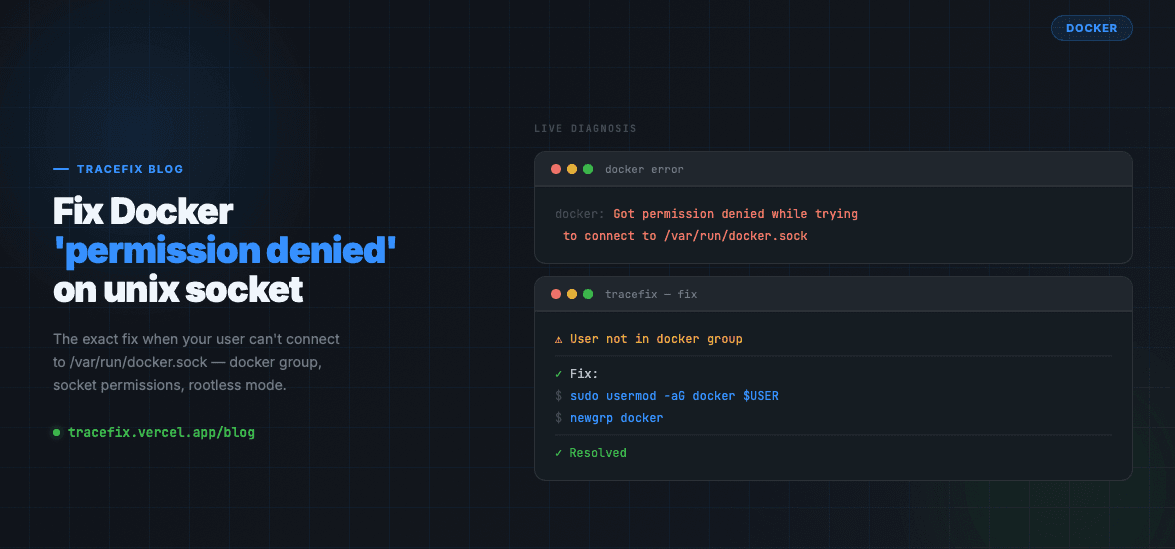
The error 'Got permission denied while trying to connect to the Docker daemon socket at unix:///var/run/docker.sock' is one of the most Googled Docker errors. It means your current user doesn't have permission to talk to the Docker daemon. Here's the exact fix.
Why this happens
Docker's daemon runs as root and only allows connections from users in the docker group. If your user isn't in that group, every docker command fails with a permission error — even if you installed Docker correctly.
Fix — Add your user to the docker group
This is the correct, permanent fix. It gives your user access to the Docker socket without needing sudo every time:
# Add your current user to the docker group:
sudo usermod -aG docker $USER

# Apply the group change to your current session:
newgrp docker

# Verify it worked:
docker run hello-world
If you need it to work immediately without logging out
The usermod change takes effect on next login. To apply it right now without logging out, use newgrp or su:
# Apply group membership to current shell:
newgrp docker

# Or start a new shell with the updated groups:
su - $USER
Check the Docker socket permissions
If adding to the group doesn't work, verify the socket itself has the right ownership:
# Check socket permissions:
ls -la /var/run/docker.sock
# Should show: srw-rw---- root docker

# If ownership is wrong, fix it:
sudo chown root:docker /var/run/docker.sock
sudo chmod 660 /var/run/docker.sock
Fix Docker service if it's not running
If the socket doesn't exist at all, Docker isn't running. Start it:
sudo systemctl start docker
sudo systemctl enable docker
sudo systemctl status docker
Security note
Adding a user to the docker group is equivalent to giving them root access — Docker can mount host filesystems and escalate privileges. On shared servers, use sudo docker instead of adding all users to the group, or configure Docker with rootless mode.
# Rootless Docker (runs without root or docker group):
dockerd-rootless-setuptool.sh install
export DOCKER_HOST=unix://$XDG_RUNTIME_DIR/docker.sock
Still stuck?
Paste your Docker error log into TraceFix and get the exact root cause and fix in seconds.
Still seeing this error?
Paste your full log into TraceFix and get the exact root cause and fix in seconds — no prompts, no guessing.
Analyze my logs