How to fix 'Permission denied (publickey)' SSH error
The fastest way to diagnose private key permission issues, wrong keys, and authorized_keys mistakes when SSH authentication fails.
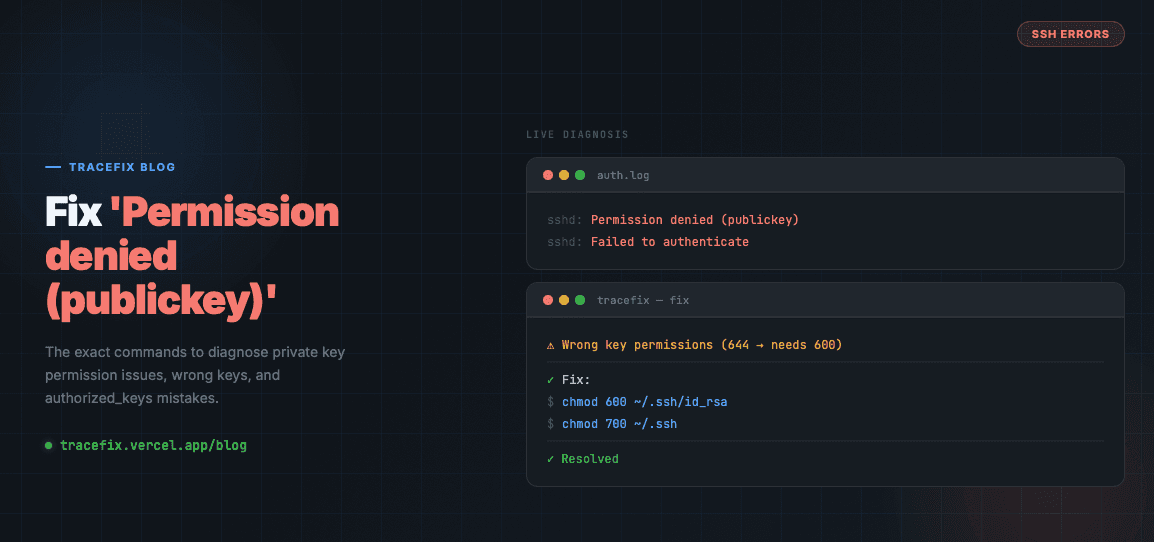
The SSH error 'Permission denied (publickey)' is one of the most common errors engineers hit. It means the SSH server rejected your authentication attempt. Here's exactly how to diagnose and fix it.
What causes this error
SSH authentication fails for a few common reasons: the wrong private key is being used, the private key file has incorrect permissions, the public key isn't in the remote server's authorized_keys file, or the SSH agent isn't running.
Step 1 — Check your private key permissions
SSH is strict about file permissions. If your private key is readable by others, SSH will refuse to use it.
chmod 600 ~/.ssh/id_rsa
chmod 700 ~/.ssh
Step 2 — Verify the public key is on the remote server
Your public key must be in ~/.ssh/authorized_keys on the remote host. Use ssh-copy-id to add it automatically:
ssh-copy-id -i ~/.ssh/id_rsa.pub user@host
Step 3 — Check which key SSH is trying
Run SSH with verbose output to see exactly what's happening:
ssh -vvv user@host
Step 4 — Add your key to the SSH agent
If your key has a passphrase and the agent isn't running, authentication will silently fail:
eval $(ssh-agent)
ssh-add ~/.ssh/id_rsa
Still stuck?
Paste your full SSH error log into TraceFix and get the exact root cause and fix in seconds.
Still seeing this error?
Paste your full log into TraceFix and get the exact root cause and fix in seconds — no prompts, no guessing.
Analyze my logs