Nginx failed to start: common causes and fixes
A practical guide to diagnosing nginx config errors, port conflicts, and service startup failures on Linux.
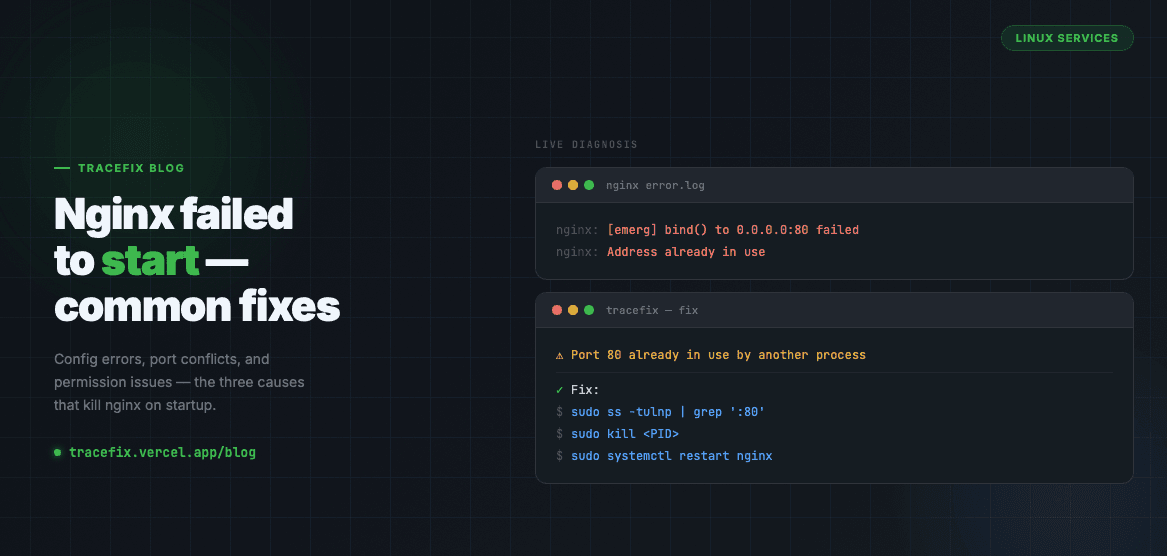
When nginx fails to start, the error is almost always one of three things: a config syntax error, a port already in use, or a file permission issue. Here's how to find and fix each one.
Check the nginx error log first
The fastest way to diagnose the problem is to read the error log directly:
sudo journalctl -u nginx --no-pager -n 50
sudo cat /var/log/nginx/error.log
Fix 1 — Config syntax error
A typo or missing semicolon in your nginx config will prevent startup. Always test the config before restarting:
sudo nginx -t
Fix 2 — Port 80 or 443 already in use
Another process may be binding to the port nginx needs. Find and stop it:
sudo ss -tulnp | grep ':80'
sudo kill <PID>
Fix 3 — Permission denied on socket or log file
Nginx needs write access to its log and pid files. Fix ownership if needed:
sudo chown -R www-data:www-data /var/log/nginx
sudo chown -R www-data:www-data /var/run/nginx.pid
Restart and verify
After fixing the issue, restart nginx and confirm it's running:
sudo systemctl restart nginx
sudo systemctl status nginx
Still stuck?
Paste your nginx error log into TraceFix and get an instant diagnosis.
Still seeing this error?
Paste your full log into TraceFix and get the exact root cause and fix in seconds — no prompts, no guessing.
Analyze my logs